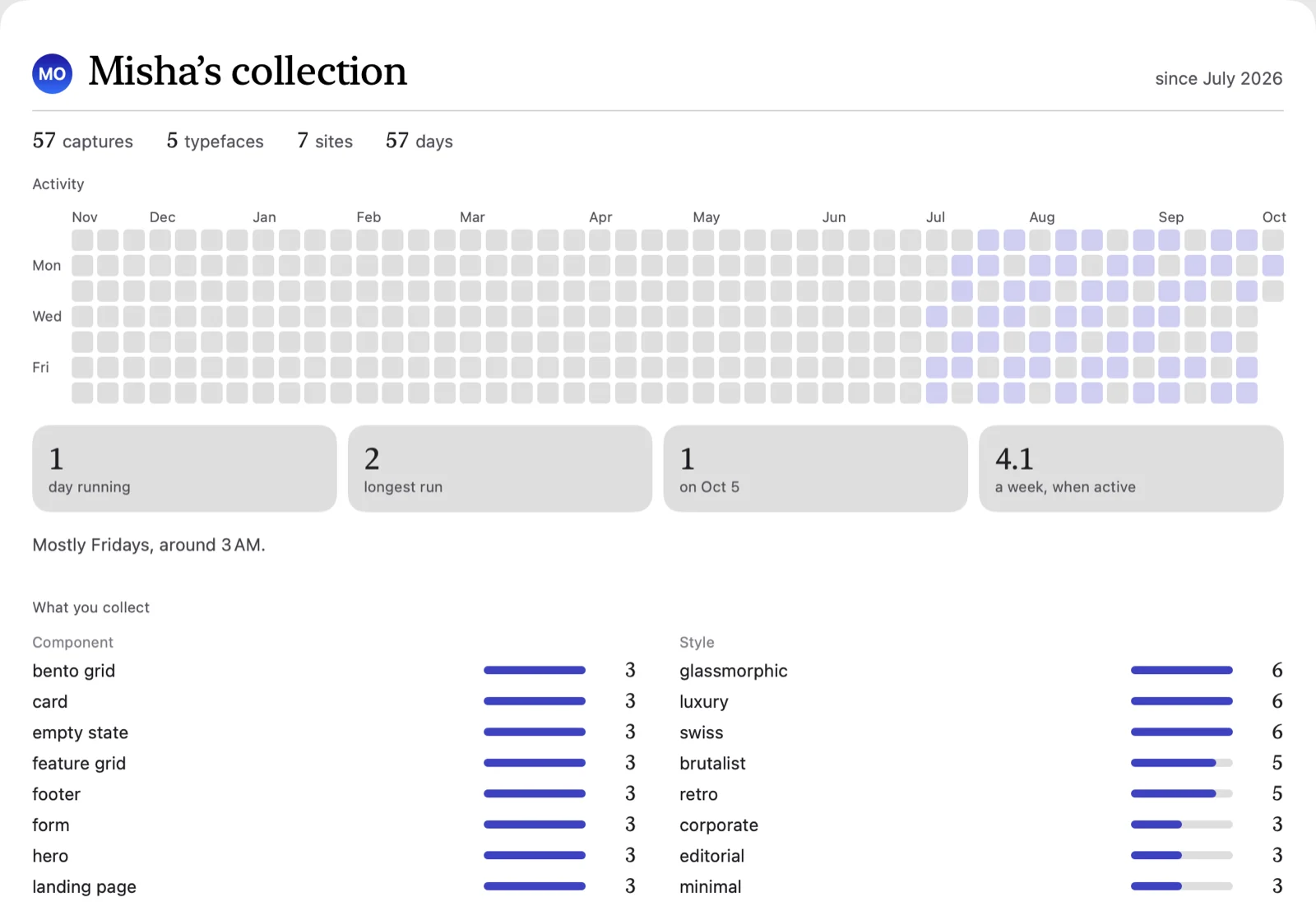
Your taste, counted
Which components you keep, in which styles, on which nights. It waits until there’s enough to count.

$9 once at launch. macOS 14 or later, Apple Silicon and Intel.
folie only looks at your screen while you’re choosing what to keep.

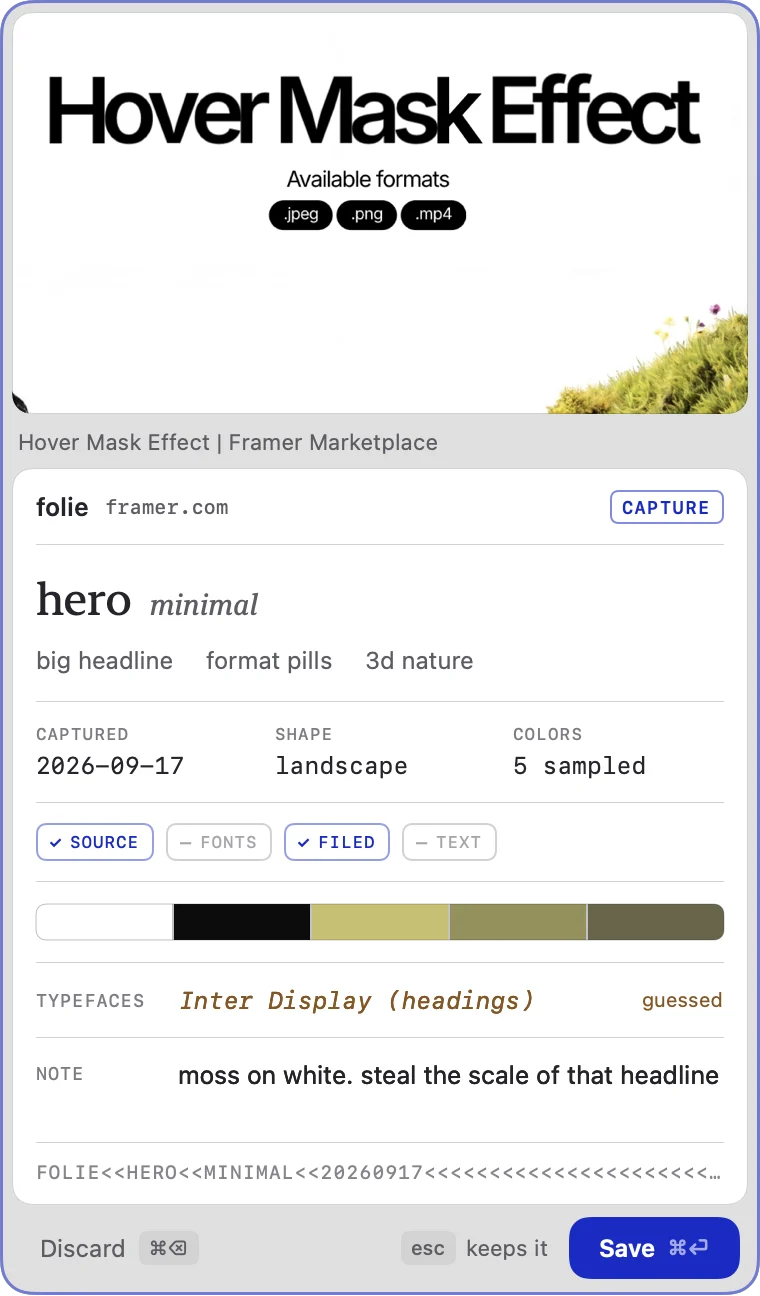
A crosshair appears over whatever you’re looking at, and folie notes the page you were on.
Everything outside the box dims, so you see exactly what you’re keeping.
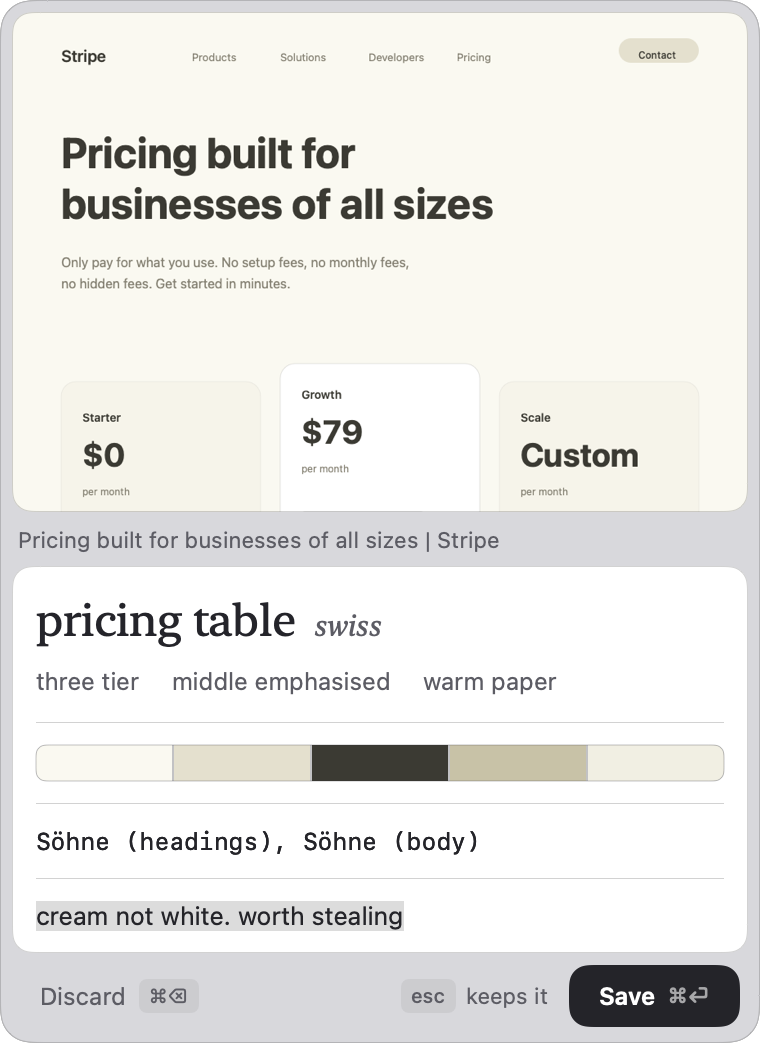
Named, sorted by component and style, with its real typefaces and five colours. ⌘⏎ keeps it, ⌘⌫ lets it go.
24 of 24






















Which components you keep, in which styles, on which nights. It waits until there’s enough to count.
One at a time, full size. Delete, favorite or keep, from the keyboard.

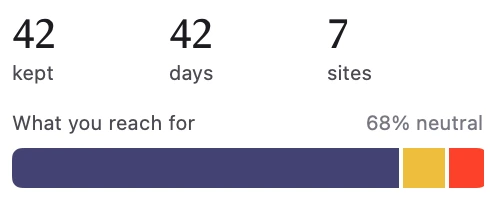
Every palette you’ve kept, added up into one bar.
I really like UI. The more design references I collected, the less a folder of screenshots cut it. I didn’t want another subscription just to keep them organized, so I built this for myself, and now I’m sharing it with you.

One-time payment. No subscription.
folie for macOSmacOS 14 or later. Apple Silicon and Intel.
Uses your own Claude key, or a model on your Mac.
Yes. folie has no servers, so it uses your own Claude key, about a tenth of a cent a capture. Or run a model on your Mac and nothing leaves it.
Yes. One payment, every update included, and a 14-day refund if it is not for you. The API key is separate and is yours.
With Claude, a small copy of the capture plus the page’s name and fonts. Never your library. With a local model, nothing.
One key, one Mac at a time. A 2 or 3 device license is the same key on that many machines, which is the laptop-and-desktop case. Moving to a new Mac frees the old one.
macOS asks before any app can take a screenshot. folie only uses it while you drag a box, and it reads your browser’s current tab so each capture remembers where it came from.
No. Without it folie guesses the fonts from the image and says so. With it, they come straight from the page. Chrome, Arc, Brave and Edge, not Safari.
In a folder on your Mac, as plain PNGs, at ~/Library/Application Support/Folie/. Copy the folder and you have everything.
macOS 14 or later, Apple Silicon and Intel. There is no Windows or iOS version.